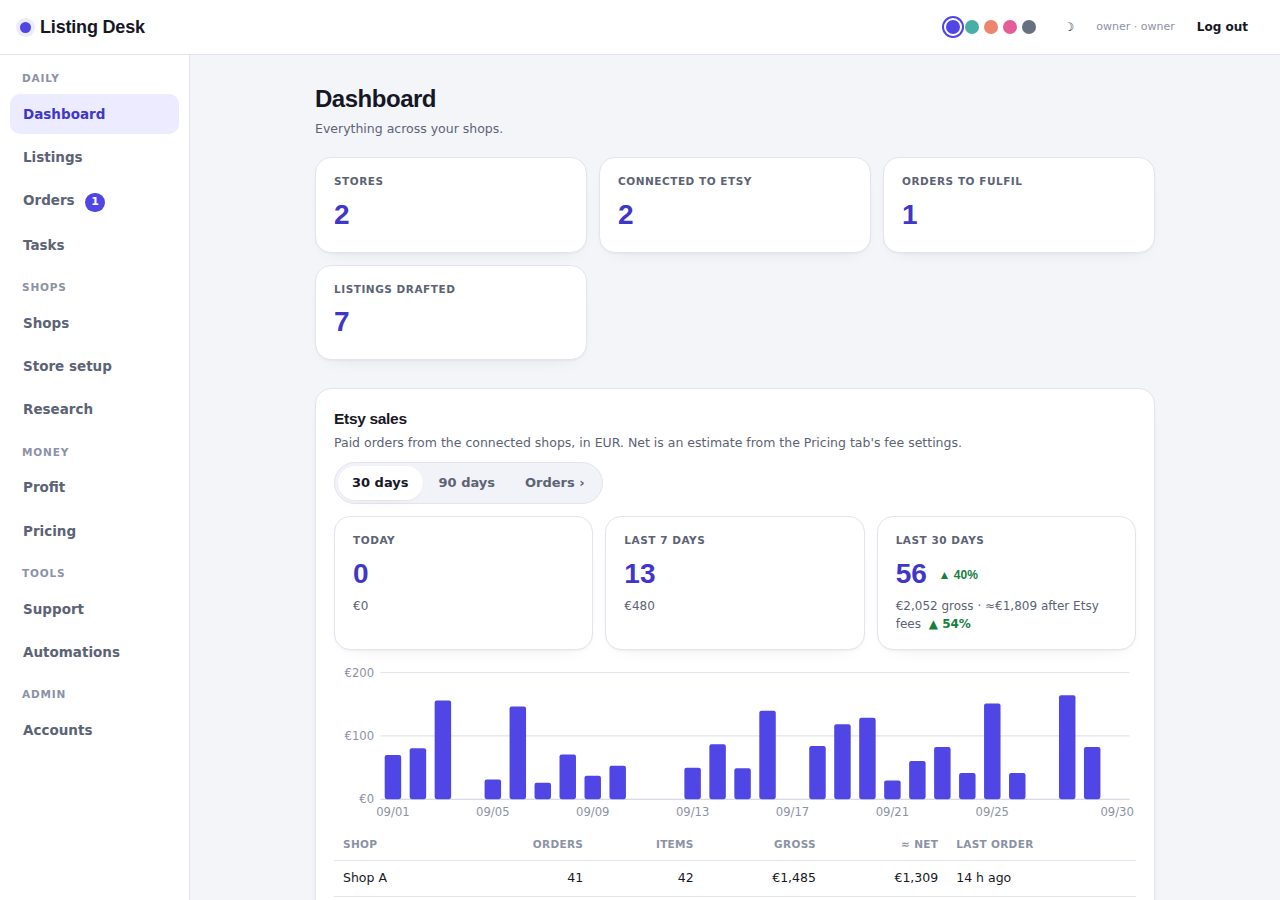
Dashboard
Everything across your shops.
Today's tasks
Monthly profit
Your tools
Stores by niche
Recent listings
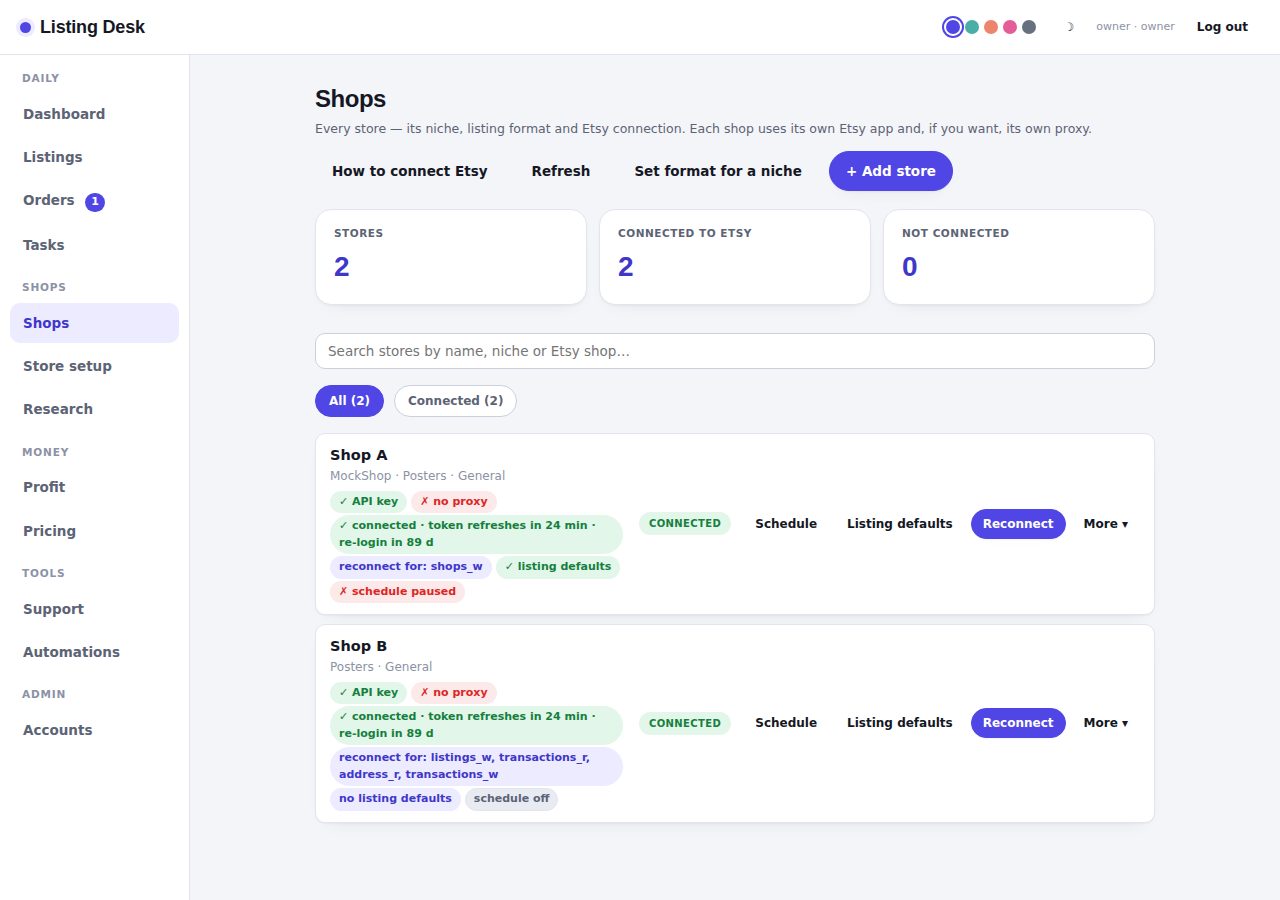
Stores
Every store, its niche and listing format.
Etsy shops
Connect each store to its Etsy shop through Etsy's own login. Every store uses its own API key and, if you want, its own proxy.
Setting up a store (about 3 minutes each)
- Log in to Etsy with the account that owns the shop and open etsy.com/developers → Create a seller app. Seller apps are approved automatically for shops in good standing.
- Do this from the browser profile / network that account always uses. Give the app a different name per account, tied to that shop (e.g. "Poster Studio Tools"), and write the "why" in your own words each time — never the same text twice. For the callback URL paste exactly:
- Copy the app's keystring and shared secret into the store below (Set up), add the store's own dedicated proxy and country, press Test proxy, then Connect Etsy and click Allow on Etsy.
Isolation: each store uses its own Etsy app, its own proxy IP in its own country, and its own tokens; requests from different stores are never sent at the same moment, and nothing about one store is ever sent to Etsy on behalf of another. What Listing Desk cannot change is what the accounts already share on Etsy's side (identity, payout bank, login devices).
Permissions requested: . Etsy never shares the shop's password with Listing Desk; you can revoke access any time at etsy.com/your/apps.
The term 'Etsy' is a trademark of Etsy, Inc. This application uses the Etsy API but is not endorsed or certified by Etsy, Inc.
Orders
Paid Etsy orders from connected shops, matched to the design the buyer picked. Pack them for the supplier, mark them sent, and push the tracking number back to Etsy.
Research
Look inside competitor shops and search Etsy by keyword: prices, views, favourites per day, and which tags they use. Uses public Etsy data through one of your stores' API keys.
Listing writer
AI-drafted titles, tags and descriptions — from text or a product photo.
Bulk listings
Make many listings in one go, then download them all as one sheet.
Results
New listing
Drop listing folders (one listing each, as many as you like) or up to 5 single photos
A listing folder is sorted by file name: the “1-5” collage becomes the main photo, “BY ONE_1…5” become photos and the Design 1–5 variation images, SIDE/Pixel mockups are extra photos, and plain 1–5 are the raw designs kept for fulfilment (never sent to Etsy). A folder with only the designs 1–5 gets its mockups rendered automatically (Mockups card below).
Mockups — render from designs without Photoshop
Drop the raw designs (1–5, 750×1590 px) and get the same mockup images your Photoshop action makes. Templates were baked from your PSDs; tick which ones a listing folder gets.
Loading templates…
Drop designs 1–5 here (or choose)
Saved listings
Store setup texts
Shop name ideas and the full launch pack for a new shop, written together so the voice matches.
Store name generator
Letters and numbers only, max 20 characters, never matches your existing stores.
New shop pack
Everything to open a new shop: announcement, headline, story, bio, discount codes, partner text, review message, logo prompt and prices.
Draft pack
Saved packs
Customer support
Paste the buyer's message, say what you want to do, and get a copy-ready reply in your usual style.
…or drop a screenshot of it
Reply
Your saved examples
Replies you corrected and saved. They take priority over the built-in style when drafting. It already knows your rules from your CUSTOMER SUPPORT chat.
Automations
Your reusable scripts, a bulk prep sheet, and product image generation.
Script library
Bulk listing prep sheet
| Title | Description | Tags | Price | Qty | SKU | Materials |
|---|
Saved sheets
Generate product images
Drop your product photo (phone case, poster, blanket…) and Higgsfield puts that exact product into new lifestyle or studio scenes. No photo? It creates an image from your description alone.
Drop the product photo here
New images
Image folders
Profit
Monthly profit per store category, in EUR. Type the numbers in and they save automatically.
| Category | Orders | Etsy net (€) | Supplier costs (€) | Profit | Margin | Per order |
|---|
Etsy net = what Etsy paid out after its fees. Use 📎 next to supplier costs to calculate them from invoice PDFs, CSV/Excel exports or screenshots.
From Etsy
Orders and estimated Etsy net for this month, from the synced orders of each connected shop. Fees are estimated with the Pricing tab's fee settings; type the real payout over it any time.
Loading…
Monthly history
Pricing
What to charge per product and size, after Etsy fees and your supplier cost. Everything in EUR, saved automatically.
Etsy fee settings
Defaults are Etsy's fees for an EU shop as of September 2026. Change them if Etsy changes its fees.
Tasks
New task
Last 7 days
Done / target per person, each day.
Repeating tasks
Accounts
Owner and worker logins. Tick what each worker can open; changes apply right away.
Add an account
Existing accounts
Import stores
One-time bulk import from a JSON file. Existing stores with a matching ID are overwritten; anything else is added.